One Practice Video Call Can Help You Prepare for Executive Assistant Jobs Remote
If you are applying for executive assistant jobs remote, the interview may be your first chance to show how you communicate through a screen. One practice video call can help you check the details and feel more settled before the real conversation.
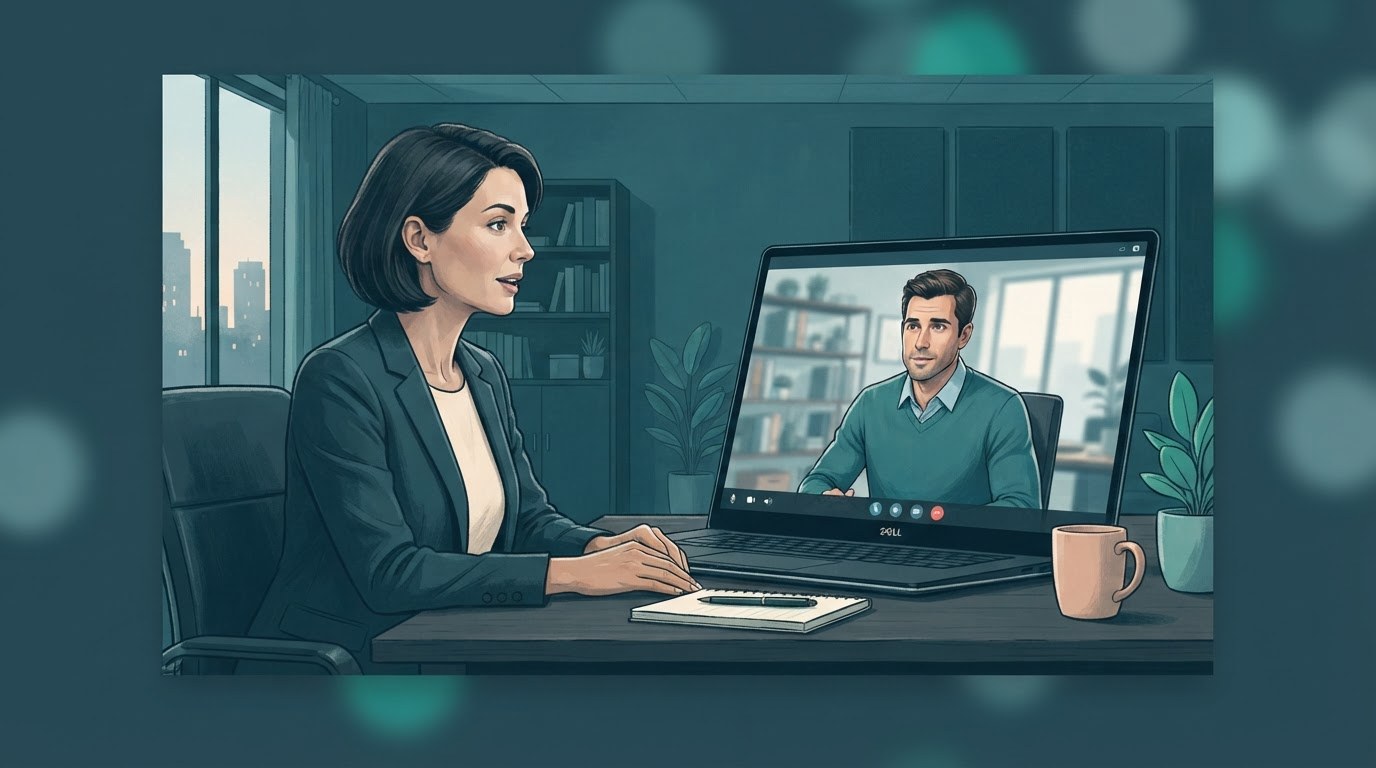
A practice call helps you notice what an interviewer will see.
A remote interview asks you to do more than answer questions. You also need to manage the small things that help a conversation feel smooth, such as looking toward the camera, speaking clearly, and staying present while someone else talks. Those habits matter in executive support, where you may spend much of the day coordinating through calls and messages.
A practice call gives you a chance to notice distractions before they compete with your answers. You might find that a window puts your face in shadow, your chair squeaks, or a notification pops up over the screen. These are ordinary problems, and they are much easier to fix when you spot them ahead of time.
Treat the practice as a short rehearsal, not a test of whether you are naturally good on camera. You are checking your setup and getting comfortable with the format. A few useful adjustments can make it easier to focus on the person interviewing you.
Set up a realistic call before you start adjusting things.
Use the same room, device, and video platform you plan to use for the interview if you can. Ask a friend to join, or open a call with a trusted colleague. A real conversation helps you catch issues that a quick camera preview will not show, especially how your voice sounds to someone else.
Sit where you expect to sit on interview day and place the camera near eye level. Frame yourself from about mid chest upward, with a little space above your head. Choose a simple background that looks like a place where you can work comfortably. It does not need to look staged or expensive.
Check the view from your camera.
Look at the frame as the other person will see it. Move clutter out of view, put your face in the center, and make sure the light comes from in front of you rather than behind you.
Listen to a sample answer.
Record a short response or ask your practice partner how your voice comes through. Check for low volume, echo, background noise, or a microphone that rubs against your clothing.
Silence interruptions before you begin.
Close extra tabs, turn off computer and phone alerts, and let people at home know when you will be on the call. Keep water nearby so you do not need to leave the frame.
Notice how you come across while the conversation is moving.
During the call, pay attention to your pace and your pauses. Many people speak faster when they feel watched, so try answering one question at a time and leaving a small pause before you respond. That pause gives you room to think and helps the interviewer finish speaking.
Look toward the camera when you are answering a key point, then glance at the screen when you need to read the other person’s expression. You do not need to stare at the lens for the whole call. A relaxed mix of eye contact and natural listening looks more comfortable.
Ask your practice partner what felt clear and what was distracting. Keep the feedback specific. For example, ask whether your answers were easy to follow or whether you seemed to be reading from notes. If you record yourself, watch a short portion once and choose one change to make. Reviewing every gesture can make you self conscious without helping much.
Rehearse a few answers without memorizing a speech.
Use the practice call to work through the questions you are most likely to find challenging. You might explain how you handle a changing calendar, keep confidential information private, or respond when two urgent requests arrive at once. Choose examples from your own work and describe what you did and what happened next.
For executive assistant jobs remote, clear examples can show how you build trust and stay organized without relying on being in the same room. Talk about the tools and routines you use, but explain them in everyday terms. The interviewer wants to understand how you work, not hear a list of software names.
Keep a few brief notes near your screen if they help you feel grounded. Use single words or short reminders rather than full answers. Reading a script can pull your attention away from the conversation and make your delivery sound less natural.
Start with the situation.
Give just enough context for the interviewer to understand the task. Then say what you handled and how you approached it, rather than getting lost in background details.
Finish with the result.
Share what changed because of your work. If the result was a clearer schedule, a well prepared meeting, or fewer missed details, say so plainly without overstating your part.
Make room for a real conversation.
Practice listening to the whole question and asking for clarification when you need it. You are allowed to take a moment before answering.
Fix the problems that could distract you on interview day.
If your image looks dim, try facing a window or adding a lamp in front of you. If the background is busy, move the camera or choose a quieter spot. A plain wall is fine, but a tidy corner of your home can also feel warm and professional. Aim for a clear view, not a perfect room.
If the sound is poor, test your headset or microphone in the same app you will use for the interview. Keep a backup option close by, such as wired earbuds, and know how to switch to it. If your connection sometimes drops, ask someone at home to pause large downloads during the call and keep the interviewer’s contact details handy.
People looking at assistant jobs remote may be interviewing from shared homes or small spaces. You do not need to hide that reality. Focus on what you can control, such as reducing noise, choosing a reliable seat, and telling the interviewer briefly if an interruption happens.
Use the rehearsal to feel prepared rather than polished.
After the call, write down three things that worked and one change to try. That keeps your review useful and stops the rehearsal from turning into a search for flaws. Then do one short second test after you make the change. You probably do not need to repeat the whole interview several times.
Some assistant jobs online include occasional office visits or team meetings, so read the job details carefully and ask about the working arrangement if it is unclear. For a video interview, also check the meeting link, time zone, and any instructions about joining. Sign in a few minutes early so you can handle a last minute update without rushing.
Before the interview, take a breath, sit comfortably, and remind yourself that the call is a conversation. You have already checked the equipment and practiced speaking through the screen. Now you can give your attention to the people and the work, which is what the setup was meant to support.
Put this into practice
Browse open executive assistant and administrative jobs, then create a free account so you can apply and keep track of roles that fit.