A visitor log can show how trust shapes assistant jobs office work
If you are considering assistant jobs office roles, reception and visitor records may be part of the work even when they are not in the job title. Here is how to handle those duties with care and show employers the trust you bring.
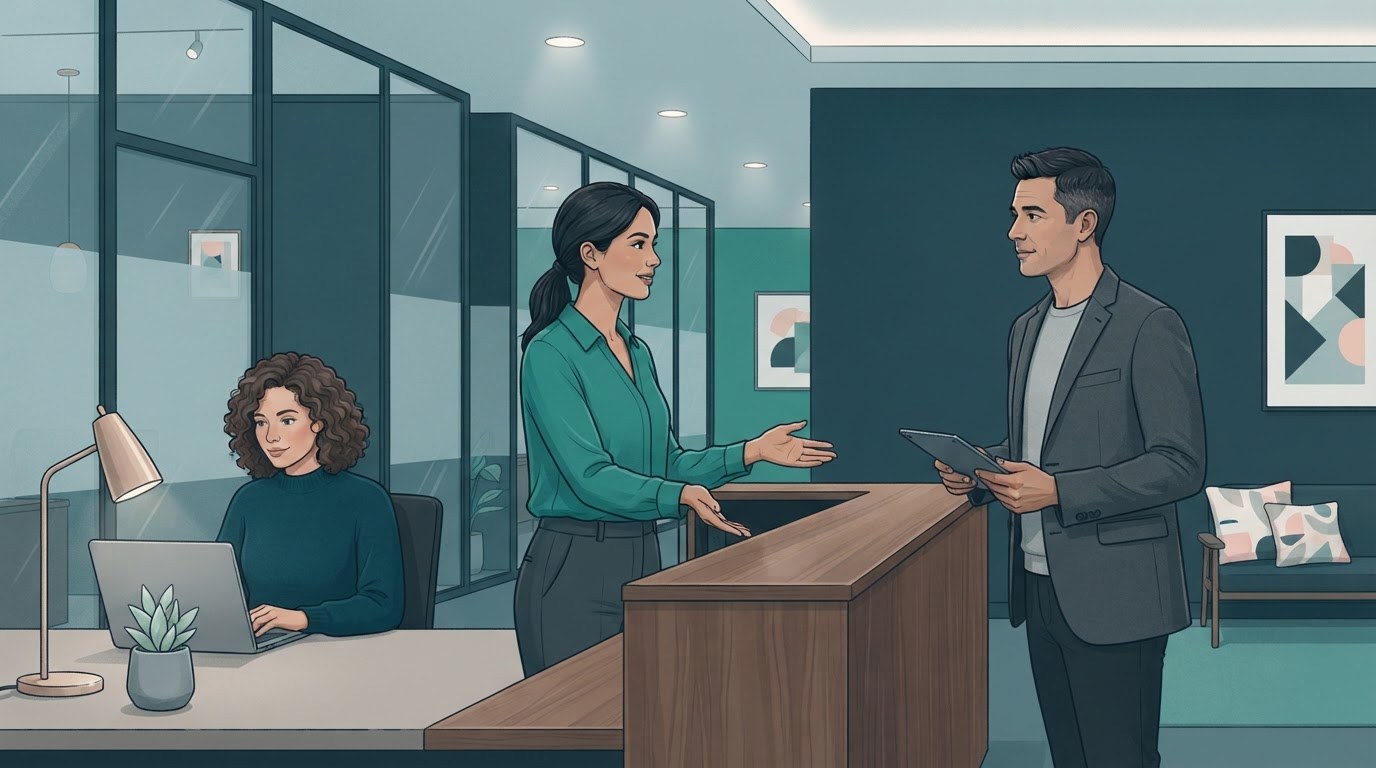
A visitor log is part of how an office welcomes people.
A visitor log records who came in, when they arrived, and sometimes who they came to see. Depending on the workplace, you may also ask guests to sign in, provide a badge, or let their host know they are waiting. The details vary, so your first step is to learn the office's process rather than assume every reception desk works the same way.
This small task sits at the meeting point of hospitality and administration. You help visitors feel expected, while making sure staff know who is in the building. In some workplaces you will greet guests all day. In others, you may cover reception only when a colleague is away. Either way, a calm, clear welcome can make a strong first impression for the whole team.
Good reception work depends on attention and judgment.
Keeping a log is more than writing down a name. You may need to confirm the guest's host, check that a badge is returned, and follow the right steps if a visitor arrives early or cannot reach their contact. If details are unclear, ask a colleague instead of guessing. That shows good judgment, not a lack of confidence.
Employers looking for assistant jobs often want someone who can manage small details without losing sight of the person at the desk. A guest may be nervous, in a hurry, or unsure where to go. A friendly greeting, a clear direction, and a quick message to their host can help the visit get off to a smooth start.
Check the arrival details
Follow the office's steps for confirming a guest's name, host, and appointment. Ask for help if the visitor's details do not match what you expect.
Keep the welcome simple
Greet the visitor, explain what will happen next, and let them know where they can wait. A warm, steady tone makes the process easier for both of you.
Treat visitor details as private office information.
A visitor log can contain personal information, so use only the details your workplace asks you to collect. Keep the screen or paper log out of easy view when possible, and do not read names or appointment details aloud where other guests can hear. If a visitor asks why information is needed, give a brief explanation based on your office's process.
Follow your employer's rules for storing, sharing, and disposing of records. A paper log may need to be kept in a particular place, while a digital system may have its own access steps. Do not take pictures of the log or send guest details through an unapproved channel. If you are unsure what to do with an old record, ask the person responsible for office procedures.
Privacy also means staying discreet when you recognize a guest or notice who they are meeting. Do not share someone else's schedule just because a visitor asks. You can be helpful without giving out information you are not meant to share.
A simple routine helps when several things need your attention.
Reception can bring interruptions. A guest may arrive while the phone rings or a colleague needs a quick update. Use the order your workplace expects, and let people know what you are doing. For example, you might greet the person at the desk first, then ask them to wait briefly while you finish a call. If there is an urgent safety concern, follow the office's escalation steps.
Before you start, find out who can answer questions, how to contact hosts, and what to do if someone arrives without an appointment. You might search assistant jobs online and see reception duties described in different ways, but the employer's own instructions matter most once you are in the role.
Use a quick arrival checklist
Welcome the guest, follow the sign-in steps, contact their host, explain where to wait, and handle the badge as your workplace requires.
Pause before sharing details
If someone asks whether a person is in the office, check what you are allowed to confirm. When in doubt, contact a manager or the visitor's host.
Ask for backup early
If the desk gets busy or a situation feels outside your role, contact the colleague named in your office procedures. You do not have to solve every issue alone.
Describe the care behind the task when you apply.
If you have handled reception before, explain what you did in practical terms. You might mention greeting visitors, following sign-in procedures, contacting staff, or keeping records orderly. Share how you protected private information without naming guests or revealing details from a past workplace.
If you have not kept a visitor log, connect the role to similar experience. Perhaps you checked appointments, welcomed customers, managed a shared inbox, or passed messages to the right person. Be honest about what you have done, then say that you are comfortable learning the employer's system. This gives a hiring manager a clear picture of how you would approach the work.
A few questions can help you understand the desk before you begin.
During an interview, ask how visitor arrivals are handled, what information the log collects, and who can help when a guest has a problem. You can also ask whether reception is a regular part of the role or shared across the team. These questions show that you are thinking about both service and privacy.
The phrase assistant jobs office may bring up many kinds of support work, but visitor records are only one piece of the picture. Focus on the habits behind the task. Be welcoming, follow the process, protect details, and ask when something is unclear. Those habits help you earn trust at the front desk and throughout the office.
Put this into practice
Browse open executive assistant and administrative jobs, then create a free account so you can apply and keep track of roles that fit.